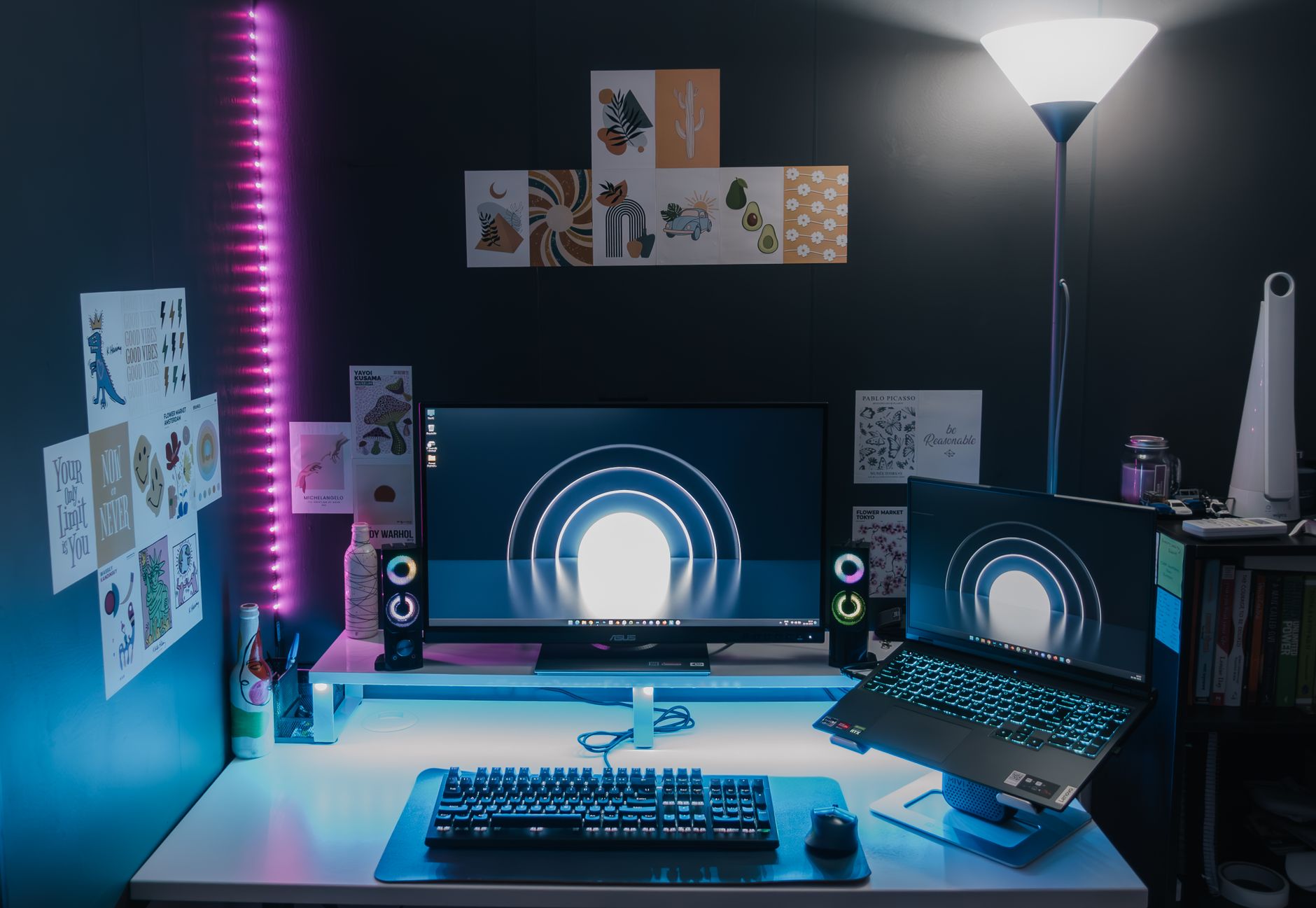
Find Your Best Budget Gaming Laptop: Power Without Breaking Bank
best budget gaming laptop

Find Your Best Budget Gaming Laptop: Power Without Breaking Bank

Unleash immersive gaming experiences on the go without sacrificing performance or your savings with our expert guide.

Explore Top Picks Now

Key Takeaways

  • ✓ Budget gaming laptops offer surprising performance for their price.
  • ✓ Prioritize GPU and CPU for optimal gaming experience.
  • ✓ Screen quality (refresh rate, resolution) significantly impacts gameplay.
  • ✓ Upgradability can extend the life of your budget gaming laptop.

How It Works

1
Define Your Gaming Needs

Before looking at specs, consider what games you primarily play and at what settings. This helps narrow down necessary hardware power and avoid overspending on features you don't need.

2
Prioritize Core Components

Focus your budget on the GPU (graphics card) and CPU (processor) as these are the most critical for gaming performance. Compromise on less essential features like RGB lighting or ultra-slim designs if necessary.

3
Evaluate Display and Storage

A good display with a high refresh rate enhances the gaming experience. Opt for an SSD for faster load times, and consider an additional HDD if you need more storage for a large game library.

4
Read Reviews and Compare

Once you have a few options, dive into expert and user reviews to understand real-world performance, thermals, and build quality. Compare benchmarks and pricing across different retailers to snag the best deal.

Demystifying the Components: What Really Matters in an Affordable Gaming Laptop?
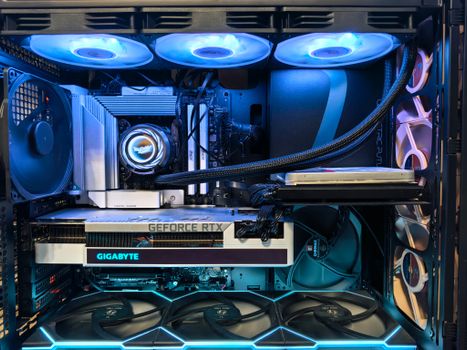
Close-up of an advanced gaming desktop PC with GeForce RTX, liquid cooling, and RGB lighting. Photo: Andrey Matveev / Pexels
Navigating the world of gaming laptops can feel like deciphering an alien language, especially when you're trying to find the best budget gaming laptop. It's a delicate balance between performance and price, where every dollar counts. The key to making an informed decision lies in understanding which components are truly essential for a satisfying gaming experience and where you can afford to compromise. At the heart of any gaming machine is the Graphics Processing Unit (GPU). This is arguably the single most important component, as it's responsible for rendering all the visuals on your screen. For a budget gaming laptop, you'll typically be looking at NVIDIA's RTX 3050, RTX 3050 Ti, RTX 4050, or AMD's Radeon RX 6600M or RX 7600S. While these aren't the top-tier cards, they are more than capable of running most modern games at 1080p resolution with decent frame rates, especially if you're willing to adjust some settings. Don't fall into the trap of prioritizing a high-end CPU over a better GPU for gaming; while the CPU is important, the GPU is the primary driver for in-game performance. Next up is the Central Processing Unit (CPU). Intel's Core i5 (11th gen or newer) or AMD's Ryzen 5 (5000 series or newer) are excellent choices for a budget gaming laptop. These processors provide ample power for gaming, multitasking, and general productivity without adding significantly to the cost. You don't necessarily need an i7 or Ryzen 7 unless you're also planning on heavy video editing or streaming while gaming, which might push the 'budget' definition. Memory, or RAM, is also crucial. 8GB of RAM is the absolute minimum for modern gaming, but 16GB is highly recommended. It allows for smoother multitasking and prevents stuttering in graphically intensive games. Many budget laptops come with 8GB, but often allow for easy upgrading to 16GB later, which can be a cost-effective strategy. Storage is another area where you can optimize. An SSD (Solid State Drive) is non-negotiable for the primary drive, as it drastically reduces game loading times and overall system responsiveness. A 512GB NVMe SSD is a good starting point, providing enough space for your operating system and a few major games. If you have a vast game library, consider a model that allows for an additional M.2 SSD or a traditional HDD for bulk storage. Understanding these core components will empower you to sift through specifications and identify the true performers in the budget category, ensuring your investment delivers the best possible gaming experience without overspending.

Screen Appeal and Connectivity: Enhancing Your Budget Gaming Laptop Experience
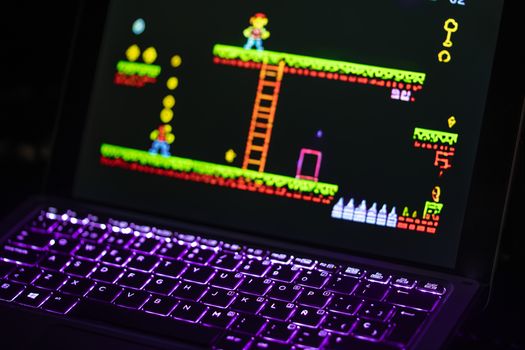
Close-up of a laptop displaying a retro video game with a neon-lit keyboard, capturing the nostalgic gaming experience. Photo: Rafael Minguet Delgado / Pexels
While raw processing power is critical, the display is your window into the gaming world, and its quality significantly impacts your overall experience with your best budget gaming laptop. For a budget machine, a 1080p (Full HD) resolution is standard and perfectly adequate. What you should pay close attention to, however, is the refresh rate. A 120Hz or 144Hz refresh rate is a game-changer compared to a standard 60Hz panel. It results in much smoother motion, which is particularly noticeable and beneficial in fast-paced competitive games. While you might not always hit 144 frames per second (fps) on a budget GPU in every title, having the capability for smoother visuals when your frame rates allow is a huge plus. Also, look for IPS panels, which offer better color accuracy and wider viewing angles than TN panels, enhancing visual fidelity. Brightness and color gamut (sRGB coverage) are also important, but often secondary to refresh rate in the budget segment. Connectivity is another often-overlooked aspect that contributes to a well-rounded budget gaming laptop. A good selection of ports ensures you can connect all your peripherals – external monitors, gaming mice, keyboards, and headsets – without needing a dongle farm. Look for at least one USB-C port (preferably with DisplayPort Alt Mode for external monitors), multiple USB-A ports (USB 3.0 or higher for faster data transfer), an HDMI output, and an Ethernet port for stable wired internet connections during intense online gaming sessions. Wi-Fi 6 or 6E is also highly desirable for faster and more reliable wireless connectivity. Bluetooth 5.0 or newer is standard and useful for wireless peripherals. Don't forget audio; while built-in speakers on budget laptops are rarely stellar, a good headphone jack (3.5mm) is essential for connecting your gaming headset. Some laptops even include basic noise cancellation features for microphone input, which can be a nice bonus for online multiplayer. Consider these often-secondary features carefully, as they greatly contribute to the usability and longevity of your budget gaming machine, ensuring it's not just a powerful device, but a versatile command center for all your gaming accessories.

Thermal Management and Build Quality: Durability for Your Budget Gaming Investment
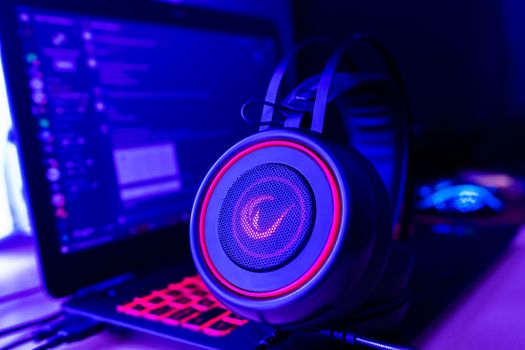
Close-up of gaming headset with neon lighting, placed next to a laptop. Perfect for tech and gaming themes. Photo: Petar Starčević / Pexels
Even the best budget gaming laptop needs robust thermal management to perform consistently and last long. Gaming generates significant heat, and if that heat isn't effectively dissipated, it leads to thermal throttling – where the CPU and GPU slow down to prevent overheating, resulting in a noticeable drop in frame rates and overall performance. When evaluating a budget gaming laptop, look for designs that incorporate multiple fans, heat pipes, and strategically placed vents. While it's harder to gauge thermal performance purely from specifications, reading reviews that specifically address sustained gaming performance and temperature benchmarks is crucial. Some manufacturers, even in the budget segment, are implementing advanced cooling solutions, so pay attention to descriptions that highlight improved airflow or larger heatsinks. Good thermal design not only maintains high performance during long gaming sessions but also extends the lifespan of your components by preventing them from consistently operating at extreme temperatures. Over time, excessive heat can degrade hardware, turning your budget bargain into an early replacement. Build quality, while often a point of compromise in budget laptops, doesn't have to mean flimsy. While you might not get premium aluminum chassis, many manufacturers use durable plastics that can withstand daily wear and tear. Look for laptops with minimal keyboard flex and a sturdy hinge mechanism, as these are common points of failure. A comfortable keyboard with decent key travel and tactile feedback is also important for gaming and typing, even if RGB lighting is limited to a single color or zone. The trackpad quality is less critical for gaming (as most gamers use an external mouse), but a responsive and accurate one is a plus for general use. Consider the overall weight and dimensions if portability is a concern; budget gaming laptops can sometimes be bulkier due to larger cooling systems. Battery life is another area where budget gaming laptops typically struggle. Don't expect more than a few hours of gaming on battery alone; these machines are designed to be plugged in for optimal performance. However, decent battery life for light tasks like browsing or watching videos is a welcome bonus. By paying attention to these aspects, you ensure your investment in a budget gaming laptop is not just about immediate performance, but also about long-term reliability and a pleasant user experience. This holistic approach helps you get the most value out of your purchase, avoiding common pitfalls associated with cheaper gaming hardware and securing a reliable gaming setup for years to come.

Common Mistakes to Avoid When Buying Your Budget Gaming Laptop

Close-up of gaming headset with neon lighting, placed next to a laptop. Perfect for tech and gaming themes. Photo: Petar Starčević / Pexels
When searching for the best budget gaming laptop, it's easy to fall into common traps that can lead to buyer's remorse. Being aware of these pitfalls can save you money and ensure you get a machine that truly meets your expectations. Here are some mistakes to avoid: * **Prioritizing CPU over GPU for Gaming:** This is perhaps the most frequent mistake. While a powerful CPU is great for productivity, the GPU is the primary engine for gaming. A mid-range CPU paired with a better GPU will almost always outperform a high-end CPU with a weaker GPU in games. Always allocate more of your budget towards the graphics card. * **Skimping on RAM:** While 8GB of RAM might seem sufficient on paper, it's increasingly becoming the bare minimum for modern games. You'll experience much smoother gameplay and better multitasking with 16GB. If a laptop comes with 8GB, ensure it has an open slot or allows for easy upgrades. * **Ignoring SSD Storage:** Hard Disk Drives (HDDs) are slower, louder, and can significantly impact game loading times and overall system responsiveness. Always opt for an SSD as your primary drive, preferably NVMe for faster speeds. Even a smaller SSD for the OS and a few games is better than a large HDD alone. * **Overlooking Display Refresh Rate:** A 60Hz display is fine for general use, but for gaming, a 120Hz or 144Hz panel makes a dramatic difference in fluidity. Don't underestimate the impact of a high refresh rate on your immersive gaming experience. * **Neglecting Thermal Design:** A powerful budget laptop is useless if it throttles heavily due to poor cooling. Always check reviews for information on sustained performance and thermal management. Overheating can lead to reduced performance and a shorter lifespan for your device. * **Forgetting About Portability and Battery Life:** Budget gaming laptops are often heavier and have shorter battery lives than their non-gaming counterparts. If you need something for frequent travel or unplugged use, manage your expectations or be prepared to compromise on some gaming performance. * **Buying Without Future-Proofing in Mind:** While 'future-proof' is a strong term for any tech, look for features like easily upgradeable RAM and storage. This can extend the usable life of your laptop significantly without needing to buy a whole new machine. By avoiding these common missteps, you can make a more informed decision and find a budget gaming laptop that truly delivers excellent value and a satisfying gaming experience for years to come.

Comparison

FeatureBest Overall Budget PickValue-Focused AlternativePerformance-Oriented Alternative
GPUNVIDIA RTX 4050 (6GB)NVIDIA RTX 3050 (4GB)AMD Radeon RX 7600S (8GB)
CPUIntel Core i5-12500HAMD Ryzen 5 6600HAMD Ryzen 7 7735HS
RAM16GB DDR5 (upgradeable)8GB DDR4 (upgradeable)16GB DDR5
Storage512GB NVMe SSD512GB NVMe SSD1TB NVMe SSD
Display15.6" FHD 144Hz IPS15.6" FHD 120Hz IPS14" QHD+ 165Hz IPS
CoolingDual Fan, 3 Heat PipesSingle Fan, 2 Heat PipesVapor Chamber, Dual Fan
Price Range (USD)$850 - $1000$700 - $850$1000 - $1200

What Readers Say

"I never thought I could get such solid performance for under $1000. This budget gaming laptop handles all my favorite titles like Cyberpunk 2077 and Elden Ring at respectable frame rates on medium-high settings. The screen is surprisingly vibrant too!"

Alex R. · Austin, TX

"As a college student, my budget was tight, but I still wanted to game. This laptop was the perfect compromise. It's not just great for gaming, but also handles my schoolwork with ease, making it a truly versatile machine."

Maria C. · Orlando, FL

"Upgraded from an old desktop and this budget gaming laptop blew me away. I'm consistently getting over 90 FPS in Call of Duty: Warzone 2.0. The thermal performance is better than expected, keeping it cool even during long sessions."

Ben K. · Seattle, WA

"While the battery life isn't amazing, which I expected, the gaming performance for the price is unbeatable. I did upgrade the RAM to 16GB myself, which was super easy and definitely worth the extra cost for smoother gameplay."

Chloe L. · Denver, CO

"I travel a lot for work, and this budget gaming laptop lets me take my games with me. It fits perfectly in my backpack and while it's not the lightest, the performance-to-weight ratio is fantastic for the price point. Highly recommend for the mobile gamer."

David M. · New York, NY

Frequently Asked Questions

What is the most important component for a budget gaming laptop?

The GPU (Graphics Processing Unit) is by far the most critical component for gaming performance. While the CPU, RAM, and SSD are also important, prioritizing a better GPU will yield the most significant improvements in frame rates and visual quality for your games, especially in the budget category.

Will a budget gaming laptop overheat easily?

Not necessarily. While budget laptops might not have the most elaborate cooling systems, many modern budget gaming laptops feature decent thermal designs with multiple fans and heat pipes. Reading reviews specific to the model's thermal performance under load is essential to avoid models known for overheating.

How can I improve the performance of my budget gaming laptop?

The easiest and most impactful upgrades are typically increasing RAM to 16GB (if it came with 8GB) and upgrading or adding an NVMe SSD for faster storage. Keeping drivers updated, managing background processes, and adjusting in-game settings can also significantly boost performance.

How much should I expect to pay for the best budget gaming laptop?

The 'best budget' price point typically falls between $700 and $1200 USD. Within this range, you can find laptops capable of running most modern games at 1080p with good to excellent frame rates, offering a great balance of performance and value without breaking the bank.

Are budget gaming laptops worth it compared to building a desktop PC?

Budget gaming laptops offer unparalleled portability and convenience, making them ideal for gamers who need to game on the go. While a desktop PC often provides more raw power for the same price and easier upgradability, the all-in-one nature of a laptop makes it a fantastic value proposition for many users.

Who should consider buying a budget gaming laptop?

Budget gaming laptops are perfect for students, casual gamers, or anyone who wants to enjoy modern games without spending a fortune. They're also great for those who need a versatile machine for both work/study and gaming, offering a cost-effective portable solution.

Is it risky to buy a budget gaming laptop?

Not if you do your research. The risk lies in buying a poorly reviewed model or one with outdated components. By focusing on reputable brands, checking key specs like GPU and CPU, and reading detailed reviews, you can confidently find a reliable and powerful budget gaming laptop.

What future trends should I consider when buying a budget gaming laptop?

Look for laptops with Wi-Fi 6/6E and USB-C ports (especially with power delivery and display output) for future connectivity. While not always possible in the budget tier, opting for DDR5 RAM (if available) or a platform that supports it can offer a slight edge in future compatibility and performance.

Ready to elevate your gaming without draining your wallet? Our comprehensive guide and top recommendations will help you find the best budget gaming laptop that fits your needs and delivers an exceptional gaming experience. Dive in and discover your next portable powerhouse today!

Topics: best budget gaming laptopaffordable gaming laptopscheap gaming notebooksgaming laptop dealsvalue gaming laptops
Leo List

DK Escorts LU Escorts AT Escorts SE Escorts FI Escorts CH Escorts DE Escorts HR Escorts IE Escorts GR Escorts CZ Escorts NO Escorts BE Escorts FR Escorts SI Escorts IL Escorts NL Escorts PL Escorts HU Escorts ES Escorts IT Escorts PT Escorts SK Escorts RO Escorts ZA Escorts UY Escorts US Escorts UK Escorts NZ Escorts AU Escorts
Brampton weed
Adultwork EstrelaBet Vai de Bet R7 Bet Betão Galera Bet Rainbet Bet9ja Shop SportyBet BetKing Sisal Loto Foot Hollywoodbets YesPlay Odibets RushBet Jugabet BetWarrior BetCity MSport betPawa Fortebet