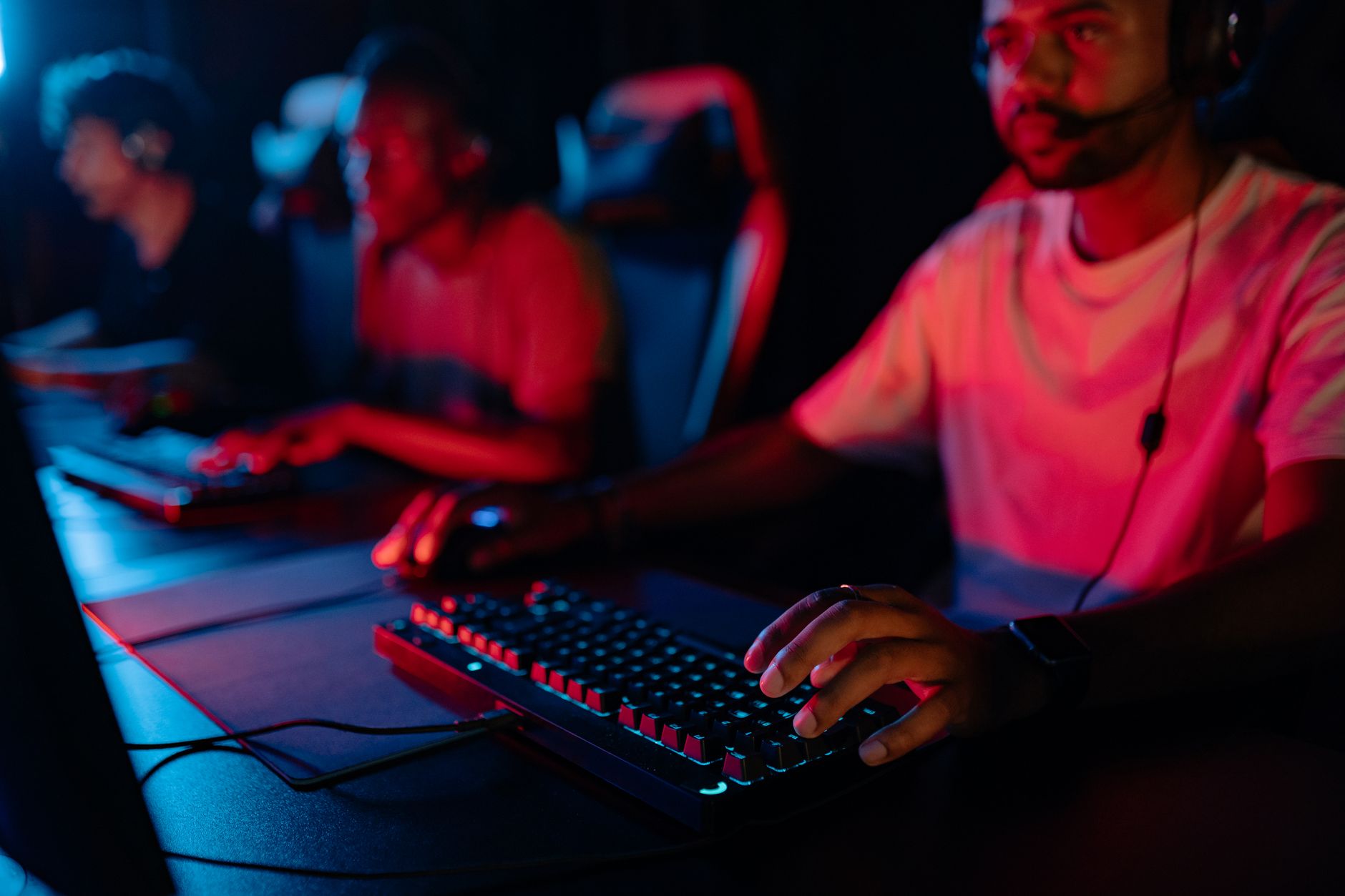
Find the Best Gaming Keyboard for Competitive Play
best gaming keyboard for competitive play

Find the Best Gaming Keyboard for Competitive Play

Unlock your full potential and gain a critical edge with a keyboard engineered for championship performance.

Dominate Your Game

Key Takeaways

  • ✓ Mechanical switches offer superior tactile feedback and durability.
  • ✓ Actuation distance and force are crucial for competitive speed.
  • ✓ Polling rate directly impacts input latency, aiming for 1000Hz.
  • ✓ Customization via software allows for macros and key remapping.
  • ✓ Build quality and ergonomics prevent fatigue during long sessions.

How It Works

1
Identify Your Playstyle

Are you a fast-twitch FPS player or a macro-heavy MMO enthusiast? Your primary game genre dictates optimal switch type and features.

2
Choose Your Switch Type

Linear switches offer smooth, fast presses, while tactile provide feedback without a click, and clicky switches give an audible confirmation. Each has competitive advantages.

3
Prioritize Core Features

Look for low actuation point, high polling rate, N-key rollover, and durable keycaps. These are non-negotiables for competitive performance.

4
Consider Customization & Build

Programmable keys, macro support, and robust construction (aluminum frames, PBT keycaps) enhance longevity and tailored gameplay.

The Competitive Edge: Why Your Keyboard Matters
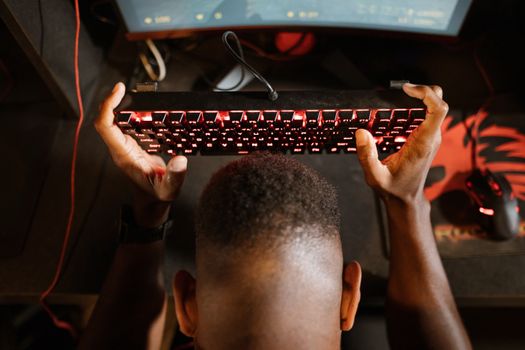
Gamer expresses frustration with video game by holding up keyboard. Overhead shot of gaming setup. Photo: RDNE Stock project / Pexels
In the high-stakes world of competitive gaming, every millisecond counts. Your keyboard isn't just an input device; it's a direct extension of your will, translating thoughts into lightning-fast actions. For serious esports athletes and aspiring pros, choosing the best gaming keyboard for competitive play is not merely a preference, but a strategic decision that can dramatically impact performance. We're talking about the difference between a clutch play and a missed opportunity, between victory and defeat. A standard office keyboard, while perfectly adequate for typing emails, simply lacks the precision, speed, and durability required to withstand the rigors of competitive gaming. These keyboards often suffer from high input latency, inconsistent key registration, and a general lack of features designed for rapid, repetitive inputs. Ghosting, where multiple key presses fail to register, is a common issue that can cripple a player's ability to execute complex commands. Competitive gaming keyboards, on the other hand, are engineered from the ground up with performance in mind. They feature specialized mechanical switches that offer consistent actuation points, predictable feedback, and incredible durability, often rated for tens of millions of keystrokes. This means you can rely on every press to register exactly when you intend it to, without fail, even during the most intense moments of a match. Furthermore, advanced features like N-key rollover (NKRO) and anti-ghosting ensure that every single key press, no matter how many you hit simultaneously, is detected accurately. This is crucial for games that require complex key combinations and rapid-fire inputs. Imagine trying to execute a critical spell rotation in an MMORPG or a precise movement sequence in an FPS, only for your keyboard to miss a key. The frustration, and the competitive disadvantage, would be immense. Beyond raw performance, competitive keyboards also offer a level of customization that is unparalleled. Programmable keys allow players to assign complex macros, simplifying intricate command sequences into a single press. Dedicated media controls keep you in the zone, preventing alt-tabbing during critical moments. Software suites provide granular control over lighting, profiles, and even switch behavior, allowing players to fine-tune their setup to their exact preferences and game requirements. The build quality is also a significant factor. Competitive keyboards are often constructed with robust materials like aluminum frames and double-shot PBT keycaps, designed to withstand aggressive use and provide a stable, premium feel. This durability not only extends the lifespan of the keyboard but also contributes to a more consistent and reliable gaming experience. In the pursuit of marginal gains, which often define the difference between top-tier players, the keyboard stands as a cornerstone peripheral. It's an investment in your performance, a tool designed to remove any technical limitations between your skill and its execution on screen. When selecting the best gaming keyboard for competitive play, you are not just buying a device; you are acquiring a strategic advantage.

Key Features Defining the Best Competitive Gaming Keyboards
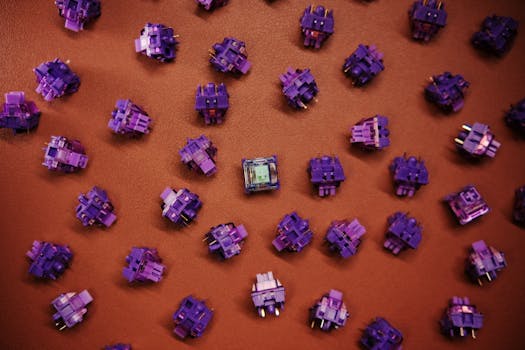
Flat lay of purple mechanical keyboard switches scattered on a brown surface. Photo: Click Jeth / Pexels
When dissecting what makes a gaming keyboard truly competitive, several core features emerge as non-negotiable. Understanding these elements is paramount to making an informed decision that aligns with your specific gaming needs. First and foremost are the switches. While membrane keyboards are cheaper, they lack the tactile feedback, speed, and durability crucial for competitive play. Mechanical switches are the gold standard, offering a distinct advantage. Linear switches (like Cherry MX Red or Gateron Yellow) are favored by many FPS players for their smooth, consistent keystroke, allowing for rapid double-taps and quick movements without any tactile bump. Tactile switches (like Cherry MX Brown or Gateron Brown) provide a noticeable bump mid-press, offering feedback without an audible click, which can be preferred by RTS or MOBA players for confirmation of actuation. Clicky switches (like Cherry MX Blue) offer both a tactile bump and an audible click, often enjoyed for typing but sometimes deemed too loud for competitive environments or streaming. Optical-mechanical switches, a newer innovation, use light beams to register key presses, offering even faster actuation and reduced debounce delay, pushing the boundaries of response time. Actuation point and actuation force are two critical metrics directly tied to the switches. The actuation point is the distance a key needs to travel before a press is registered, and competitive keyboards often feature a lower actuation point (e.g., 1.2mm-1.8mm) to minimize travel distance and maximize speed. Actuation force refers to the pressure required to register a key press. Lighter actuation forces (e.g., 45g) allow for quicker, less fatiguing presses, which is vital during extended gaming sessions. Polling rate, often expressed in Hertz (Hz), indicates how frequently the keyboard reports its status to the computer. A 1000Hz polling rate means the keyboard communicates with your PC 1000 times per second, resulting in a mere 1ms input delay. This is the industry standard for competitive gaming and anything less can introduce noticeable latency. Anti-ghosting and N-key rollover (NKRO) are essential for ensuring every key press is registered accurately, regardless of how many keys are pressed simultaneously. Anti-ghosting prevents missed inputs when multiple keys are pressed, while NKRO takes it a step further, guaranteeing that every single key press will register, even if you press every key on the board at once. This is particularly important for games that require complex key combinations, such as fighting games or certain MOBA champions. Keycap material and profile also contribute to the overall feel and durability. ABS keycaps are common but can develop a shine over time. PBT keycaps are more durable, resistant to shine, and offer a more textured feel, preferred by many enthusiasts. Double-shot PBT keycaps, where two plastics are molded together, ensure legends never fade. Finally, software customization allows for the creation of macros, remapping keys, and managing profiles for different games, giving players an unparalleled ability to tailor their keyboard to their specific needs. This level of personalization can be the unseen advantage that propels a player to the next level. Optimizing your gaming setup with these features is key to unlocking peak performance.

Top Contenders: Best Gaming Keyboards for Competitive Play

Joyful man in orange jacket celebrating gaming victory with a keyboard. Photo: RDNE Stock project / Pexels
Navigating the vast market of gaming keyboards to pinpoint the absolute best for competitive play can be daunting. However, several models consistently rise to the top, recognized for their superior performance, build quality, and features tailored for esports. The Razer Huntsman V2, for instance, frequently appears on such lists, largely due to its innovative Optical Linear Switches. These switches utilize light-based actuation, resulting in near-instantaneous response times and an ultra-low input latency that can be a game-changer in fast-paced titles. Its 8000Hz polling rate further minimizes delay, providing an incredibly responsive experience. Coupled with doubleshot PBT keycaps for durability and a comfortable wrist rest, it’s a formidable contender for serious gamers. Another strong option is the SteelSeries Apex Pro. What sets this keyboard apart is its OmniPoint adjustable mechanical switches, which allow users to customize the actuation point of each individual key from 0.4mm to 3.6mm. This unparalleled flexibility means you can set ultra-fast actuation for movement keys in an FPS and a deeper, more deliberate actuation for abilities in an RTS, all on the same keyboard. This level of personalization is a significant advantage for players who demand precise control over their inputs. Its aircraft-grade aluminum frame also ensures exceptional durability and a premium feel, essential for longevity in competitive environments. Corsair's K70 RGB TKL Champion Series is specifically designed with competitive play in mind, stripping away unnecessary features to focus purely on performance. Its compact tenkeyless (TKL) form factor provides more desk space for mouse movement, a critical consideration for many FPS pros. Equipped with Corsair's AXON Hyper-Processing Technology, it delivers up to an 8,000Hz polling rate, ensuring minimal input lag. It often comes with Cherry MX Speed RGB Silver switches, known for their linear feel and short 1.2mm actuation point, making them incredibly fast. The robust aluminum frame and durable PBT double-shot keycaps round out a package built for endurance and peak performance. Finally, the Logitech G Pro X Keyboard stands out for its hot-swappable switch design. This feature allows users to easily swap out mechanical switches without soldering, meaning you can experiment with different switch types (linear, tactile, clicky) to find your perfect feel or replace worn-out switches with ease. This modularity makes it incredibly versatile and future-proof. Its compact TKL design, coupled with a detachable cable, makes it highly portable, which is a big plus for players who travel to tournaments. These top-tier keyboards represent the pinnacle of gaming peripheral engineering, each offering unique advantages that cater to different preferences but all united by a singular goal: to provide the fastest, most reliable, and most customizable input experience for competitive gaming. Choosing among them often comes down to personal preference for switch feel, specific features, and overall ecosystem integration. For more insights on gaming headsets, check out our guide.

Optimizing Your Setup: Tips for Competitive Keyboard Users
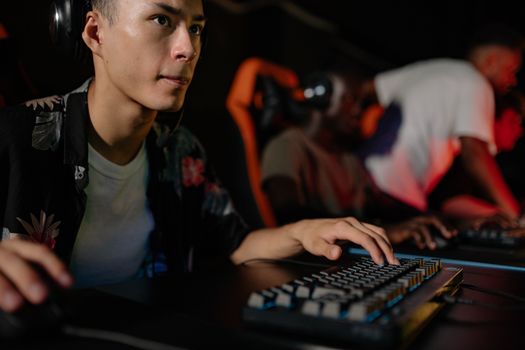
Young adults playing in a competitive esports tournament, deeply focused on gaming. Photo: Yan Krukau / Pexels
Acquiring the best gaming keyboard for competitive play is only the first step; optimizing its use within your overall setup is equally crucial for unlocking its full potential. Here are some essential tips to maximize your competitive edge: * **Master Your Software:** Every high-end gaming keyboard comes with proprietary software (e.g., Razer Synapse, SteelSeries GG, Corsair iCUE, Logitech G HUB). Dive deep into these applications. Learn to create custom profiles for different games, rebind keys, set up complex macros for intricate spell rotations or build orders, and adjust lighting. Many pros have unique keybinds that give them a competitive advantage, and your keyboard's software is the gateway to this personalization. * **Experiment with Actuation Points (if applicable):** If your keyboard features adjustable actuation (like the SteelSeries Apex Pro), don't just stick with the default. Spend time in practice modes or custom games experimenting with different actuation depths for various key groups. You might find that a super-short actuation for WASD keys is perfect for FPS movement, while a slightly deeper one for ability keys prevents accidental presses. * **Maintain Cleanliness:** Dust, crumbs, and debris can interfere with switch performance and keycap durability. Regularly clean your keyboard with compressed air and a microfiber cloth. Consider using a keycap puller to remove keycaps and clean underneath them periodically. A clean keyboard ensures consistent performance and extends its lifespan. * **Ergonomics are Key:** Even the fastest keyboard won't help if you're battling wrist pain or fatigue. Ensure your keyboard is positioned comfortably, ideally with a straight wrist. Many competitive keyboards come with wrist rests; utilize them. Proper posture and ergonomic setup can significantly reduce strain during long gaming sessions, allowing you to maintain peak performance longer. * **Update Firmware and Drivers:** Manufacturers frequently release firmware updates for their keyboards to improve performance, fix bugs, and add new features. Always keep your keyboard's firmware and drivers up to date to ensure you're getting the best possible performance and stability. These updates can sometimes even reduce input latency or improve key registration consistency. * **Test Polling Rate:** While most competitive keyboards boast 1000Hz (or higher) polling rates, it's good practice to confirm this in your software settings. Ensure no other software or system settings are inadvertently capping this crucial performance metric. * **Consider Keycap Upgrades:** While many competitive keyboards come with excellent PBT keycaps, some stock ABS keycaps might wear down over time. Upgrading to high-quality double-shot PBT keycaps can improve durability, feel, and even slightly alter the sound profile of your switches, enhancing your overall experience. By diligently applying these tips, you'll not only preserve your investment but also fine-tune your input device to become a seamless extension of your competitive will, giving you every possible advantage on the digital battlefield.

Comparison

FeatureRazer Huntsman V2SteelSeries Apex ProCorsair K70 RGB TKL
Switch TypeRazer Optical LinearOmniPoint Adjustable MechanicalCherry MX Speed RGB Silver
Actuation Point1.0mm0.4mm - 3.6mm (adjustable)1.2mm
Polling Rate8000Hz1000Hz8000Hz
Key RolloverN-Key RolloverN-Key RolloverN-Key Rollover
Keycap MaterialDoubleshot PBTABS (PBT on some models)Doubleshot PBT
Form FactorFull-size, TKL, MiniFull-size, TKLTenkeyless (TKL)
Wrist Rest✓ (Magnetic)✗ (Sold separately)

What Readers Say

"Upgrading to the Razer Huntsman V2 was a game-changer for my Valorant rank. The optical switches are unbelievably fast, and I immediately felt a difference in my reaction times and overall control. This is truly the best gaming keyboard for competitive play I've ever owned."

Ethan 'Spectre' Chen · Los Angeles, CA

"The SteelSeries Apex Pro's adjustable actuation points are pure genius. I can set my movement keys super light for Apex Legends and my ability keys a bit heavier for StarCraft II. It's like having multiple keyboards in one, perfectly tuned for every game."

Maya 'Phoenix' Singh · Austin, TX

"My K/D ratio in Call of Duty Warzone jumped significantly after switching to the Corsair K70 TKL. The 8000Hz polling rate and Cherry MX Speed switches make every input feel instant. It's stripped down for pure performance, exactly what a competitive player needs."

David 'Blitz' Rodriguez · Miami, FL

"The Logitech G Pro X is fantastic for its hot-swappable switches, allowing me to try different feels without buying a new board. While the software can be a bit clunky at times, the core performance and build quality are top-notch for competitive League of Legends."

Chloe 'Viper' Kim · Seattle, WA

"As a professional Overwatch player, consistency and speed are everything. My current keyboard, a Ducky One 3 with custom linear switches, provides the exact feedback and actuation I need. It's durable, responsive, and has never let me down in a high-pressure match, making it my personal best gaming keyboard for competitive play."

Alex 'Guardian' Green · New York, NY

Frequently Asked Questions

What is the single most important feature for a competitive gaming keyboard?

The most important feature is the switch type and its associated performance metrics like actuation point and force, followed closely by a high polling rate. These directly impact the speed and accuracy of your inputs, which are paramount in competitive scenarios. Low latency and consistent key registration are non-negotiable for peak performance.

Will a new keyboard really improve my competitive performance?

While skill development is primary, a high-quality competitive keyboard can remove technical barriers, allowing your skill to shine through. It provides faster response times, more reliable inputs, and better ergonomics, which can translate into more precise movements, quicker ability usage, and reduced fatigue during long sessions, ultimately giving you a competitive edge.

How do I choose between linear, tactile, and clicky switches for competitive play?

Linear switches are often preferred for FPS games due to their smooth, fast presses allowing for quick double-taps. Tactile switches, with their bump, offer feedback without noise, favored by some RTS/MOBA players for confirmation. Clicky switches are generally less common in competitive play due to their noise and slightly higher actuation force, though it boils down to personal preference.

Are expensive gaming keyboards worth it for competitive play?

For dedicated competitive players, the investment in an expensive gaming keyboard is often worth it. These keyboards offer superior build quality, advanced switch technology, higher polling rates, and extensive customization options that directly translate to better performance and durability. They are tools designed to give you every possible advantage.

How does a TKL (Tenkeyless) keyboard compare to a full-size for competitive gaming?

TKL keyboards omit the number pad, resulting in a more compact form factor. This provides more desk space for wider mouse movements, which is crucial for many FPS players who use low DPI settings. While full-size keyboards offer a number pad and sometimes dedicated macro keys, TKL is generally preferred for competitive play due to its ergonomic and spatial advantages.

Who should prioritize getting the best gaming keyboard for competitive play?

Anyone serious about competitive gaming, whether aspiring esports professionals, high-ranking ladder players, or enthusiasts who want every possible advantage, should prioritize a top-tier competitive gaming keyboard. If you find your current keyboard holding you back or causing fatigue, an upgrade is highly recommended.

Can RGB lighting affect competitive performance?

No, RGB lighting has no direct impact on competitive performance. It is purely an aesthetic feature. While some keyboards allow for lighting profiles that highlight specific keybinds, this is more for visual aid than performance enhancement. Players can choose to enable or disable RGB based on their preference without affecting gameplay.

What emerging technologies are on the horizon for competitive gaming keyboards?

Future trends include even faster optical and magnetic switches with adjustable actuation points and rapid trigger functionality, allowing for instant key reset. Wireless keyboards with ultra-low latency connections that rival wired performance are also becoming more prevalent, offering freedom of movement without compromise. Further integration with AI for personalized adaptive key responses is also a possibility.

Ready to elevate your game? Investing in the best gaming keyboard for competitive play is a strategic move that can dramatically enhance your performance and give you the edge you need. Explore the top contenders and find the perfect mechanical companion to conquer your next challenge.

Topics: best gaming keyboard for competitive playmechanical gaming keyboardesports keyboardlow latency keyboardgaming keyboard switches
Leo List
Brampton weed
Adultwork EstrelaBet Vai de Bet R7 Bet Betão Galera Bet Rainbet Bet9ja Shop SportyBet BetKing Sisal Loto Foot Hollywoodbets YesPlay Odibets RushBet Jugabet BetWarrior BetCity MSport betPawa Fortebet