Gaming Monitor Refresh Rate Explained: Your Ultimate Guide
gaming monitor refresh rate explained

Gaming Monitor Refresh Rate Explained: Your Ultimate Guide

Dive deep into refresh rates to understand how they impact your gaming experience, from responsiveness to visual fluidity.

Boost Your Game Now

Key Takeaways

  • ✓ Refresh rate (Hz) dictates how many times your monitor updates the image per second.
  • ✓ Higher refresh rates (120Hz, 144Hz, 240Hz+) result in smoother motion and reduced input lag.
  • ✓ Your GPU's frame rate (FPS) needs to match or exceed your monitor's refresh rate for optimal performance.
  • ✓ Adaptive Sync technologies like FreeSync and G-Sync eliminate screen tearing and stuttering.

How It Works

1
Understanding the Basics: What is Refresh Rate?

Refresh rate, measured in Hertz (Hz), indicates how many times per second your monitor redraws the image on its screen. A 60Hz monitor refreshes 60 times per second, while a 144Hz monitor refreshes 144 times per second.

2
Frames Per Second (FPS) vs. Refresh Rate

While refresh rate is a monitor specification, Frames Per Second (FPS) is determined by your graphics card. For the smoothest experience, your GPU should output at least as many FPS as your monitor's refresh rate.

3
The Impact on Gameplay: Smoothness and Responsiveness

Higher refresh rates translate directly to smoother motion on screen, making fast-paced games feel more fluid and responsive. This can significantly improve target tracking and reaction times in competitive titles.

4
Adaptive Sync Technologies: G-Sync and FreeSync

These technologies synchronize your monitor's refresh rate with your GPU's frame rate. This eliminates visual artifacts like screen tearing and stuttering, providing an even more seamless gaming experience.

The Fundamental Role of Refresh Rate in Gaming Performance

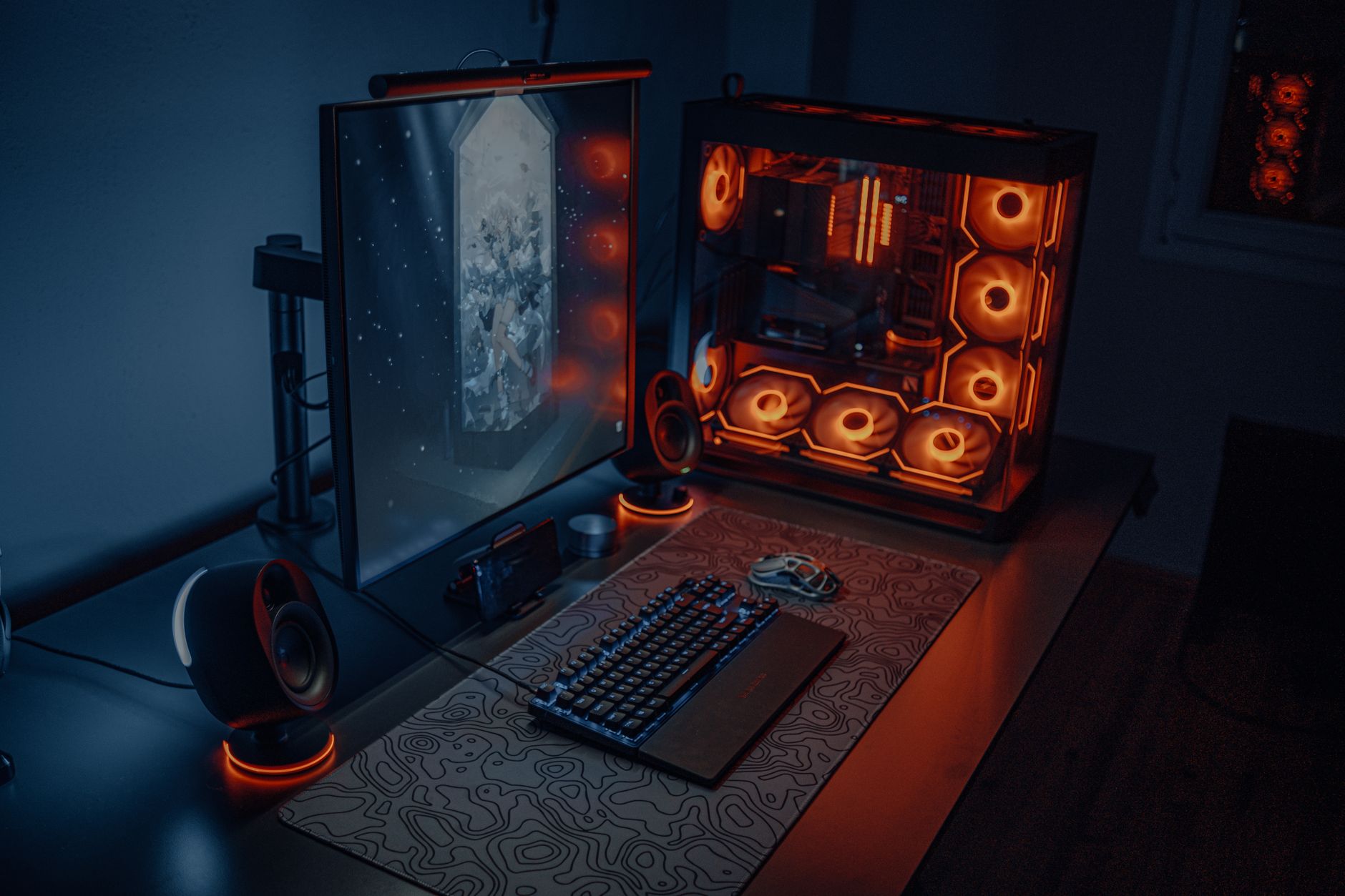
Sleek gaming desk setup featuring RGB lighting, large monitor, and gaming PC with glowing fans. Photo: Atahan Demir / Pexels
In the fast-evolving world of gaming, every millisecond counts. While powerful graphics cards and high-speed processors often grab the headlines, one crucial component that frequently goes overlooked by newcomers, yet is absolutely vital for a superior gaming experience, is the monitor's refresh rate. Understanding what refresh rate is, how it works, and why it matters is fundamental for any gamer looking to optimize their setup and gain a competitive edge. At its core, refresh rate, measured in Hertz (Hz), represents the number of times per second your monitor is able to redraw, or 'refresh,' the image displayed on its screen. Think of it like flipping through a stack of drawings: the faster you flip, the smoother the animation appears. Similarly, a higher refresh rate means your monitor can display more individual frames per second, leading to a much smoother and more fluid visual experience. This isn't just about aesthetics; it has a profound impact on gameplay. For instance, a standard office monitor typically operates at 60Hz. This means it can display up to 60 distinct images per second. While perfectly adequate for browsing the web or working on documents, it falls short when confronted with the rapid, dynamic visuals of modern video games. Competitive gamers, in particular, demand much higher refresh rates, often ranging from 120Hz to 144Hz, and even up to 240Hz or 360Hz. The reason is simple: more refreshes per second mean less motion blur, sharper images during fast movement, and a reduction in input lag. When you're playing a first-person shooter, the ability to see an opponent's movement with greater clarity and react to it instantaneously can be the difference between victory and defeat. A higher refresh rate allows your eyes to perceive more up-to-date information, giving you a tangible advantage. It's important to distinguish refresh rate from Frames Per Second (FPS), though the two are inextricably linked. FPS is the rate at which your graphics card (GPU) renders frames and sends them to your monitor. Your monitor's refresh rate, on the other hand, is the maximum rate at which it can display those frames. If your GPU is producing 100 FPS but your monitor is only 60Hz, you're essentially bottlenecked by your display; you'll only ever see 60 of those 100 frames. Conversely, if your monitor is 144Hz but your GPU can only consistently output 60 FPS, you won't experience the full benefit of the higher refresh rate. For an optimal gaming experience, your GPU should consistently output a frame rate that matches or exceeds your monitor's refresh rate. This synergy ensures that every frame rendered by your powerful GPU is actually displayed on your screen, maximizing fluidity and responsiveness. This is where understanding your entire gaming PC setup becomes crucial. The interplay between GPU, CPU, and monitor refresh rate forms the bedrock of a truly immersive and competitive gaming environment. Investing in a high refresh rate monitor without a capable GPU to drive it is like putting racing tires on a family sedan – it won't unlock its full potential. Conversely, a top-tier GPU paired with a low refresh rate monitor is equally suboptimal, as your display will hold back your system's performance.

The Tangible Benefits: Why Higher Refresh Rates Elevate Your Gameplay

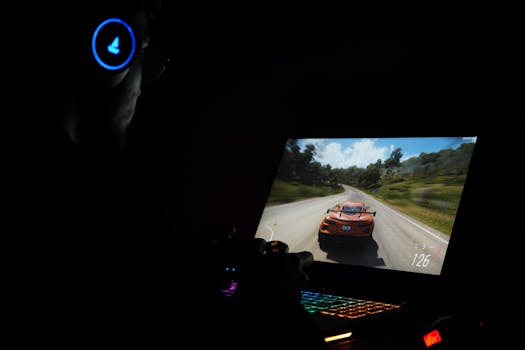
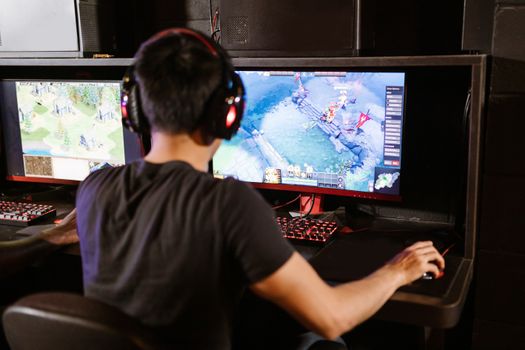
A young man intensely playing a PC video game indoors. Capturing the essence of technology and concentration. Photo: Alexander Kovalev / Pexels
The transition from a standard 60Hz monitor to a higher refresh rate display is often described by gamers as a revelatory experience, akin to shedding a pair of blurry glasses. The benefits extend far beyond mere visual appeal, directly impacting performance and enjoyment across various game genres. One of the most immediate and noticeable advantages of a higher refresh rate is the significant reduction in motion blur. In fast-paced games like competitive shooters, racing simulations, or action RPGs, objects on screen move at incredible speeds. On a 60Hz monitor, these rapidly moving objects can appear smudged or blurry, making it difficult to track targets accurately or perceive fine details. A 144Hz or 240Hz monitor, by updating the image more frequently, presents a much clearer and crisper picture of moving elements, allowing for superior target acquisition and environmental awareness. Beyond clarity, higher refresh rates dramatically enhance the perceived smoothness of gameplay. The sensation of 'fluidity' is not just a subjective feeling; it's a direct result of more frames being displayed in a shorter amount of time. This eliminates the 'choppiness' or 'stutter' that can sometimes be present at lower refresh rates, even if your FPS is stable. This smoother motion reduces eye strain during extended gaming sessions, making the experience more comfortable and immersive. Furthermore, the reduced latency associated with higher refresh rates is a game-changer for competitive players. Input lag, the delay between your action (e.g., mouse click, key press) and its visual representation on screen, is minimized. While a monitor's refresh rate isn't the sole factor in input lag, a higher refresh rate inherently means the display is processing and updating information more quickly. This can shave off crucial milliseconds from your reaction time, which can be the deciding factor in high-stakes competitive scenarios. For professional esports players, a 240Hz or even 360Hz monitor is not a luxury, but a necessity to maintain peak performance. The benefits also extend to less competitive, more narrative-driven games. While a high refresh rate might not directly improve your ability to 'win' in a single-player RPG, it certainly enhances the visual spectacle. Lush environments, intricate character animations, and dynamic combat sequences feel more alive and engaging when displayed with exceptional smoothness. The overall immersion is deepened, allowing players to fully appreciate the artistic and technical prowess of game developers. It transforms a good visual experience into an outstanding one. The ability to smoothly pan the camera, observe subtle environmental details, and engage in fluid combat without visual hitches elevates the entire gaming journey. Ultimately, investing in a high refresh rate monitor is about unlocking the full potential of your gaming hardware and delivering an unparalleled visual and interactive experience.

Navigating the Market: Choosing the Right Refresh Rate for Your Setup

Young woman gaming at a PC high-tech setup, wearing headphones. Photo: Matheus Bertelli / Pexels
With a plethora of gaming monitors available, each boasting different refresh rates, choosing the right one can feel overwhelming. The 'best' refresh rate isn't a one-size-fits-all answer; it depends heavily on your budget, the types of games you play, and the power of your existing gaming PC. For casual gamers or those on a tighter budget, a 75Hz or 120Hz monitor can be a significant upgrade from a standard 60Hz display without breaking the bank. These options provide a noticeable improvement in smoothness and responsiveness, making them a great entry point into high refresh rate gaming. You’ll immediately feel the difference in desktop fluidity and general game responsiveness, especially in less demanding titles where your GPU can consistently push frames above 60 FPS. The sweet spot for many serious gamers, offering an excellent balance of performance and cost, is a 144Hz monitor. This refresh rate is widely supported by graphics cards and provides a substantial leap in smoothness and competitive advantage. Most modern mid-to-high-end GPUs can consistently drive 144 FPS in many popular esports titles and even graphically demanding games with optimized settings. A 144Hz monitor paired with an Adaptive Sync technology like FreeSync or G-Sync (which we'll discuss further) creates a remarkably fluid and tear-free experience. This combination is often recommended as the optimal choice for the majority of PC gamers seeking a competitive edge without venturing into enthusiast-level pricing. For the most demanding competitive players and esports professionals, or those with top-tier gaming rigs, 240Hz, 360Hz, or even higher refresh rate monitors are the ultimate choice. These displays offer the absolute pinnacle of responsiveness and motion clarity, providing the minutest advantage in games where every millisecond is critical. However, to truly benefit from these ultra-high refresh rates, your graphics card needs to be powerful enough to consistently output 240+ FPS in your preferred games. This often requires high-end GPUs and, in some cases, a compromise on graphical settings to maintain such high frame rates. It's also worth noting that the human eye's ability to discern differences beyond 144Hz or 240Hz becomes increasingly subtle, though professional gamers often attest to the competitive benefits. Consider your gaming setup and primary game genres carefully before making this significant investment. If you primarily play single-player, graphically intensive games where visual fidelity is paramount, you might prioritize a higher resolution (e.g., 4K) or better color accuracy over ultra-high refresh rates, as your GPU might struggle to hit exceptionally high frame rates at those resolutions anyway. The key is to find the right balance that aligns with your gaming habits and hardware capabilities.

Beyond Hz: Adaptive Sync, Response Time, and Resolution Considerations

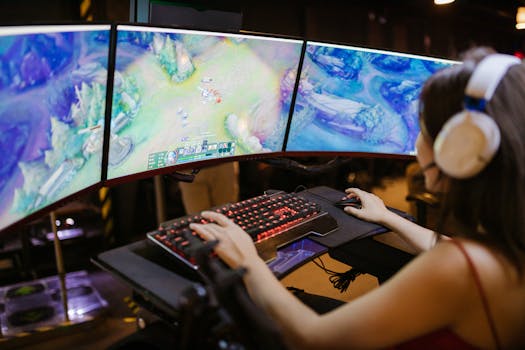
A young woman intently gaming on a multi-screen setup, showcasing vibrant gaming visuals. Photo: RDNE Stock project / Pexels
While refresh rate is undeniably a critical factor, it's not the only specification that determines a monitor's gaming prowess. To truly optimize your experience, you need to consider how refresh rate interacts with other key display technologies, primarily Adaptive Sync (G-Sync and FreeSync), response time, and resolution. These elements collectively contribute to the overall visual quality, responsiveness, and immersion of your gaming sessions. **Adaptive Sync Technologies (G-Sync and FreeSync):** These innovations are perhaps as transformative as high refresh rates themselves. Screen tearing and stuttering are common visual artifacts that occur when your GPU's frame rate and your monitor's refresh rate are out of sync. Screen tearing manifests as a horizontal dislocation across the image, while stuttering is a momentary freeze or jerk. Adaptive Sync technologies, like NVIDIA's G-Sync and AMD's FreeSync, solve this by dynamically synchronizing the monitor's refresh rate with the GPU's frame rate. This ensures that the monitor only refreshes when a new frame is ready, eliminating tearing and significantly reducing stuttering. The result is an incredibly smooth, fluid, and visually clean gaming experience, even when frame rates fluctuate. When choosing a monitor, always check for compatibility with your graphics card (NVIDIA GPUs for G-Sync/G-Sync Compatible, AMD GPUs for FreeSync). **Response Time:** Measured in milliseconds (ms), response time indicates how quickly a pixel can change from one color to another. A low response time (typically 1ms to 5ms GTG - gray-to-gray) is crucial for fast-paced gaming. High response times can lead to noticeable 'ghosting' – a trail or blur behind moving objects – which can be distracting and reduce clarity. While refresh rate dictates how often the image updates, response time dictates how quickly each individual pixel can react to that update. For competitive gaming, aiming for a 1ms GTG response time is ideal, especially when paired with a high refresh rate. **Resolution:** This refers to the number of pixels displayed on the screen (e.g., 1920x1080 for Full HD, 2560x1440 for QHD, 3840x2160 for 4K). While higher resolutions offer sharper, more detailed images, they also demand significantly more processing power from your GPU. It's a balancing act: a 4K 144Hz monitor is incredibly desirable, but only if your graphics card can consistently push 144 FPS at 4K in your games. For many, a QHD (1440p) resolution paired with a 144Hz or 240Hz refresh rate offers the best compromise between visual fidelity and achievable high frame rates, making it a popular choice among serious gamers. Prioritizing refresh rate and response time, especially for competitive play, often means opting for 1080p or 1440p to ensure your GPU can consistently hit those high frame targets. Always consider your GPU's capabilities when deciding on a monitor's resolution and refresh rate combination to avoid bottlenecks and ensure a truly optimized gaming experience. These factors together form the complete picture of a high-performance gaming monitor.

Comparison

FeatureCasual Gamer (Value)Serious Gamer (Optimal)Esports Pro (Premium)
Refresh Rate (Hz)75Hz - 120Hz144Hz - 165Hz240Hz - 360Hz
Resolution1080p (Full HD)1440p (QHD)1080p or 1440p
Response Time (GTG)5ms1ms - 4ms1ms
Adaptive SyncOften✓ (Recommended)✓ (Essential)
GPU RequiredMid-rangeMid-High EndHigh-End / Enthusiast
Competitive AdvantageSomeSignificantMaximum

What Readers Say

"Upgrading to a 144Hz monitor truly changed my perception of gaming. The gaming monitor refresh rate explained article helped me understand why everything feels so much smoother now, especially in Valorant. My K/D ratio has definitely seen an improvement!"

Alex 'Phantom' Chen · Los Angeles, CA

"I used to think 60Hz was fine, but after reading this guide and getting a 240Hz display, I can never go back. The clarity during fast movements in Apex Legends is incredible. It's not just about winning, it's about enjoying the visuals more."

Sarah 'GameOn' Miller · Austin, TX

"This explanation of gaming monitor refresh rate is incredibly detailed and easy to understand. It demystified the whole Hz vs. FPS debate for me. My new 165Hz monitor with FreeSync has eliminated all screen tearing, resulting in buttery-smooth gameplay."

David 'PixelPusher' Lee · Seattle, WA

"The article was very informative, though I wish there was a bit more emphasis on the diminishing returns past 144Hz for non-pro gamers. Still, it guided me to a great 1440p 144Hz monitor that perfectly suits my RPG and strategy games."

Jessica 'Jinx' White · New York, NY

"As a sim racer, every millisecond counts. This gaming monitor refresh rate explained guide highlighted exactly why I needed a high refresh rate display. The difference in tracking other cars and reacting to turns is astounding."

Mark 'Gearhead' Johnson · Chicago, IL

Frequently Asked Questions

What is the ideal refresh rate for gaming?

The ideal refresh rate for gaming largely depends on your budget, graphics card, and the types of games you play. For most serious gamers, 144Hz to 165Hz offers an excellent balance of fluidity, responsiveness, and cost-effectiveness. Competitive esports players might opt for 240Hz or higher for the absolute lowest input lag and clearest motion.

Will a higher refresh rate make my games look better even if my FPS is low?

Not necessarily. If your graphics card can only produce 60 FPS, a 144Hz monitor will still only display 60 unique frames per second. While the monitor itself is capable of refreshing faster, it won't have new frames to display, so you won't experience the full benefit of the higher refresh rate. For optimal performance, your FPS should match or exceed your monitor's refresh rate.

How do I check my current monitor's refresh rate?

On Windows: Right-click on your desktop, select 'Display settings' -> 'Advanced display settings' -> 'Display adapter properties for Display 1' (or your primary monitor) -> 'Monitor' tab. You'll see a 'Screen refresh rate' dropdown. On macOS: Go to 'System Preferences' -> 'Displays' -> 'Display Settings' -> select your monitor, and refresh rate options will be listed under 'Refresh Rate'.

Is 144Hz worth it over 60Hz for gaming?

Absolutely. The difference between 60Hz and 144Hz is profoundly noticeable, offering significantly smoother motion, reduced input lag, and clearer visuals during fast-paced action. It provides a much more immersive and responsive gaming experience, making it one of the most impactful upgrades you can make to your gaming setup.

What is the difference between refresh rate and response time?

Refresh rate (Hz) is how many times your monitor updates the entire screen image per second. Response time (ms) is how quickly an individual pixel can change from one color to another. Both are crucial for gaming: high refresh rate for overall fluidity, and low response time to prevent ghosting or blurring of moving objects.

Do I need a special cable for high refresh rates?

Yes, for refresh rates above 60Hz, you'll typically need a DisplayPort (DP) cable or a high-speed HDMI cable (HDMI 2.0 or newer). Older HDMI versions (e.g., HDMI 1.4) often have bandwidth limitations that prevent them from supporting higher refresh rates at certain resolutions. Always check your monitor and GPU's port specifications.

Can high refresh rates cause motion sickness?

While higher refresh rates generally reduce motion blur and improve smoothness, which can actually alleviate motion sickness for some, an extremely high refresh rate combined with very high FPS in certain fast-paced games could potentially overwhelm sensitive individuals. However, this is rare, and usually, the opposite effect is observed, with smoother motion reducing discomfort.

What are the future trends for gaming monitor refresh rates?

The trend for gaming monitor refresh rates continues upwards, with 360Hz monitors already available and even higher rates (e.g., 500Hz+) being demonstrated. We can expect these ultra-high refresh rates to become more accessible, combined with advancements in panel technology (OLED/Mini-LED) and higher resolutions, offering an increasingly immersive and responsive visual experience for gamers.

Understanding gaming monitor refresh rate is your first step towards a truly optimized and immersive gaming experience. By pairing the right refresh rate with your system's capabilities, you'll unlock smoother visuals, faster reactions, and a significant competitive advantage. Upgrade your gameplay today by making an informed choice!

Topics: gaming monitor refresh rate explainedmonitor refresh rateHz for gaminghigh refresh rate monitorgaming display technology
Leo List
Brampton weed
Adultwork EstrelaBet Vai de Bet R7 Bet Betão Galera Bet Rainbet Bet9ja Shop SportyBet BetKing Sisal Loto Foot Hollywoodbets YesPlay Odibets RushBet Jugabet BetWarrior BetCity MSport betPawa Fortebet