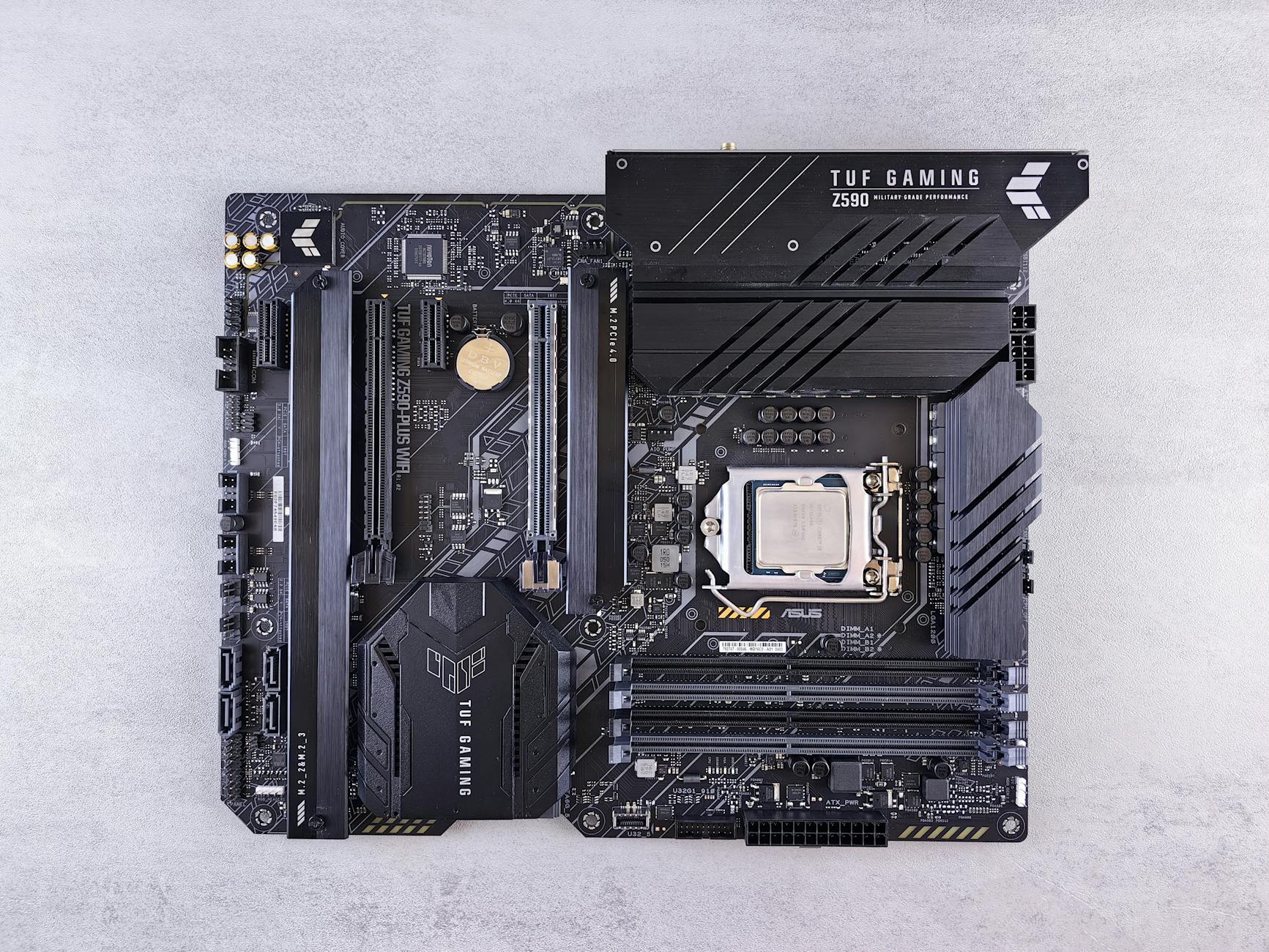
How to Choose a Gaming Motherboard: The Ultimate Guide
Navigate the complexities of motherboard selection to build a high-performance gaming PC that meets your needs and budget.
Start Your BuildKey Takeaways
- ✓ Motherboard is the central nervous system of your gaming PC, dictating component compatibility.
- ✓ CPU socket and chipset are the primary factors for compatibility with your chosen processor.
- ✓ Form factor determines the physical size and number of expansion slots available.
- ✓ VRM quality and power delivery are crucial for stable performance, especially with high-end CPUs and overclocking.
How It Works
Your choice of CPU (Intel or AMD) is the most critical factor, as it determines the required motherboard socket (e.g., LGA 1700 for Intel, AM5 for AMD) and compatible chipsets. This foundational decision narrows down your motherboard options significantly.
Determine how much you're willing to spend on the motherboard and what features are non-negotiable for your gaming experience. This includes RAM slots, M.2 slots, PCIe generations, USB ports, Wi-Fi, and audio quality.
Ensure the motherboard's form factor (e.g., ATX, Micro-ATX, Mini-ITX) fits your PC case. Larger boards offer more expansion, while smaller ones are ideal for compact builds, but may have fewer features.
For high-performance CPUs or overclocking, a motherboard with robust Voltage Regulator Modules (VRMs) and adequate heatsinks is essential for stability and longevity. Check reviews for VRM performance under load.
Understanding Motherboard Compatibility: CPU Socket and Chipset
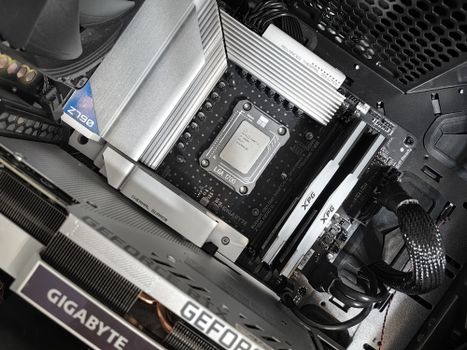 Photo: Andrey Matveev / Pexels
Form Factor, RAM, and PCIe Slots: Key Physical Considerations
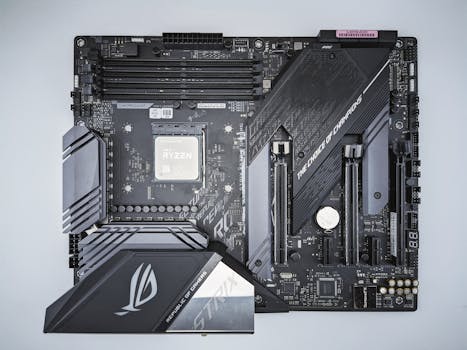 Photo: Andrey Matveev / Pexels
Power Delivery (VRM), Connectivity, and Audio: Enhancing Your Gaming Experience
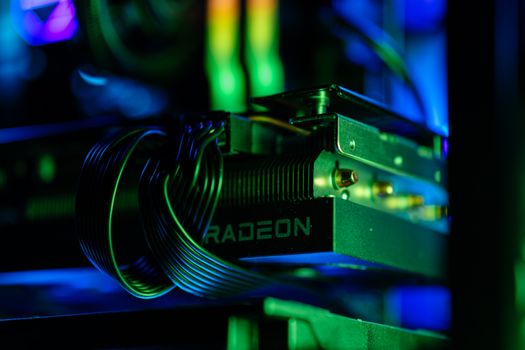 Photo: Gibson Chan / Pexels
Common Mistakes and Expert Tips for Motherboard Selection
 Photo: Gibson Chan / Pexels
Comparison
| Feature | High-End Gaming (e.g., Z790/X670E) | Mid-Range Gaming (e.g., B760/B650) | Budget Gaming (e.g., H610/A620) |
|---|---|---|---|
| CPU Overclocking | ✓ (CPU & RAM) | ✓ (RAM, limited CPU) | ✗ |
| PCIe Lanes | PCIe 5.0 (GPU & M.2) | PCIe 4.0/5.0 (GPU), PCIe 4.0 (M.2) | PCIe 4.0 (GPU), PCIe 3.0/4.0 (M.2) |
| M.2 Slots | 3-5+ (with heatsinks) | 2-3 (some with heatsinks) | 1-2 (rarely with heatsinks) |
| VRM Quality | Excellent (robust phases, large heatsinks) | Good (adequate phases, moderate heatsinks) | Basic (fewer phases, small/no heatsinks) |
| USB Ports | Abundant (USB 3.2 Gen 2x2, multiple USB-C) | Good selection (USB 3.2 Gen 2, some USB-C) | Basic (mostly USB 3.2 Gen 1) |
| Integrated Wi-Fi | Wi-Fi 6E/7 (common) | Wi-Fi 6/6E (optional) | None/Wi-Fi 5 (rare) |
What Readers Say
"This guide on how to choose a gaming motherboard was a lifesaver! I finally understood the difference between chipsets and sockets, which made my CPU purchase much easier. My new build is incredibly stable."
Alex R. · Austin, TX"I was totally lost on motherboards, but this article broke it down perfectly. The tips on VRM quality helped me avoid a huge mistake with my high-end Ryzen processor. Highly recommend for any first-time builder."
Sarah L. · Orlando, FL"Following this guide, I managed to pick a motherboard that perfectly balanced my budget and performance needs. My gaming rig now runs all my favorite titles smoothly, and I even have room for future upgrades."
Mike D. · Seattle, WA"The information was incredibly thorough, though perhaps a bit overwhelming for a complete beginner. Still, I appreciate the depth and the clear explanations of complex topics like PCIe generations. It definitely guided my purchase."
Jessica P. · Denver, CO"As someone building a compact Mini-ITX gaming PC, the section on form factors and their limitations was invaluable. It helped me select a board that fit my case while still offering decent connectivity. Fantastic resource!"
Chris B. · Boston, MAFrequently Asked Questions
What is the most important factor when choosing a gaming motherboard?
The most important factor is CPU compatibility, specifically ensuring the motherboard's socket type (e.g., LGA 1700, AM5) and chipset are compatible with your chosen processor. This foundational match dictates whether your system will even boot and function correctly.
Do I need an expensive motherboard for gaming?
Not necessarily. While high-end motherboards offer more features like robust VRMs, extensive connectivity, and advanced overclocking capabilities, a mid-range board often provides excellent performance for most gaming setups. Focus on features relevant to your CPU, GPU, and planned upgrades rather than just price.
How do I check if a motherboard supports my RAM speed?
Check the motherboard's specifications on the manufacturer's website. It will list the supported RAM types (DDR4/DDR5), maximum clock speeds (MHz), and total capacity. Ensure your RAM modules' speed is within the motherboard's supported range, especially for XMP/EXPO profiles.
What's the difference between ATX, Micro-ATX, and Mini-ITX motherboards?
These are form factors defining the motherboard's physical size. ATX is standard, offering many expansion slots. Micro-ATX is smaller, fitting compact cases but with fewer slots. Mini-ITX is the smallest, ideal for ultra-compact builds, typically with only one PCIe x16 slot and two RAM slots.
Is PCIe 5.0 necessary for a gaming motherboard right now?
While PCIe 5.0 offers double the bandwidth of 4.0, current-generation graphics cards and most NVMe SSDs don't fully saturate PCIe 4.0. It's a 'nice to have' for future-proofing, but not strictly necessary for top-tier performance today. PCIe 4.0 is perfectly adequate for most gamers.
Who should prioritize VRM quality when selecting a motherboard?
Users planning to install high-performance CPUs (like Intel Core i7/i9 or AMD Ryzen 7/9), especially those who intend to overclock, should prioritize a motherboard with excellent VRM quality. Robust VRMs ensure stable power delivery, prevent thermal throttling, and extend CPU lifespan.
Can a motherboard limit my gaming performance?
Yes, indirectly. A motherboard with a weak VRM can cause your CPU to throttle, reducing performance. Insufficient or outdated PCIe lanes can bottleneck your GPU or NVMe SSDs. Poor networking hardware can lead to high ping in online games. While it doesn't directly add FPS, a good motherboard ensures your other components perform optimally.
What are the upcoming trends in gaming motherboards?
Future trends include wider adoption of PCIe 5.0 for both GPUs and M.2 SSDs, more integrated Wi-Fi 7, increased USB4/Thunderbolt 4 connectivity, and potentially new form factors or modular designs. Enhanced power delivery for increasingly powerful CPUs and more sophisticated cooling solutions for M.2 drives are also expected.
Mastering how to choose a gaming motherboard is the first step towards building your dream PC. By understanding compatibility, features, and your budget, you can lay a solid foundation for unparalleled gaming performance. Start your build with confidence today!