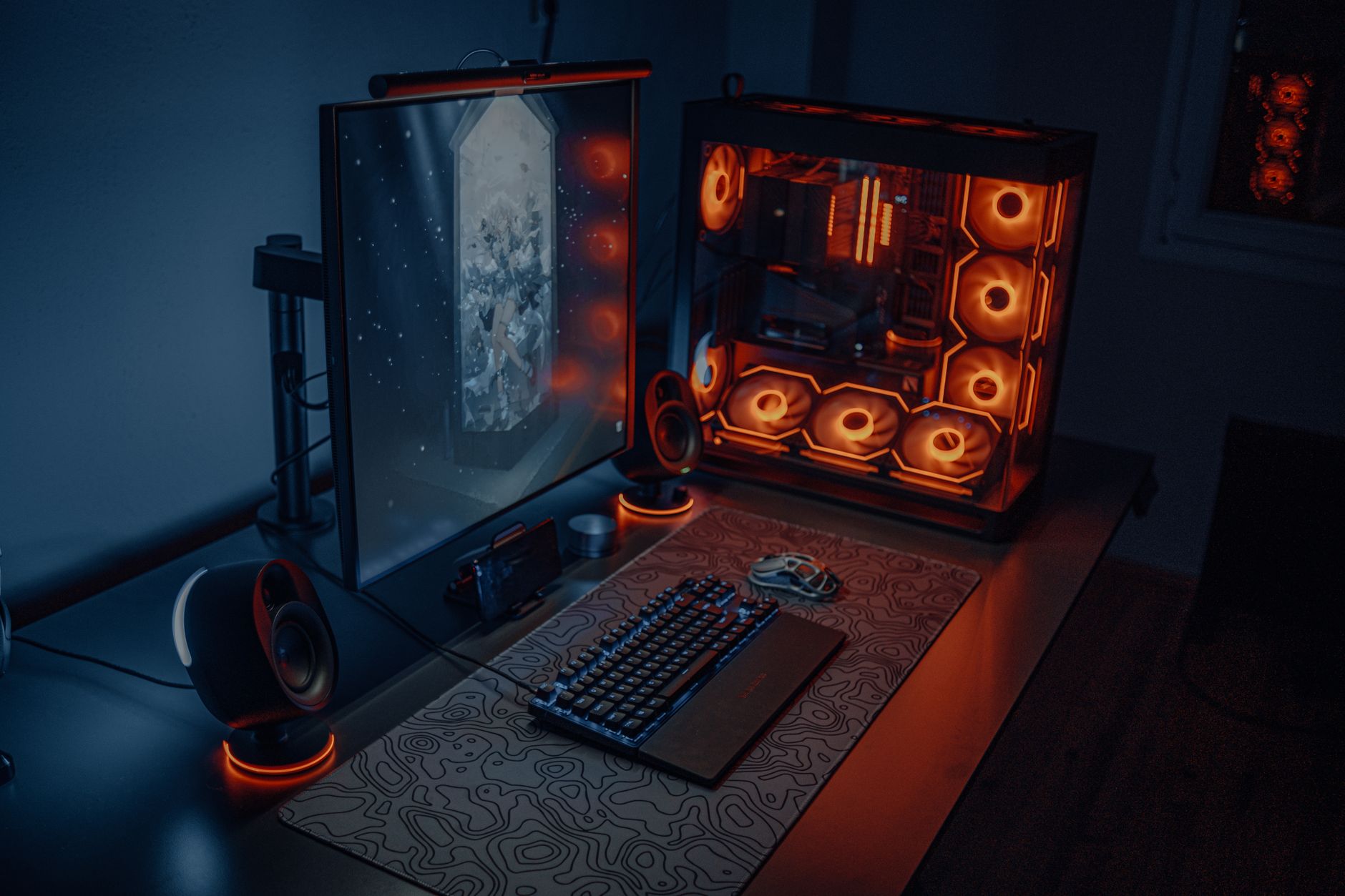
What is a Gaming GPU? Your Ultimate Guide to Graphics Power
gaming GPU

What is a Gaming GPU? Your Ultimate Guide to Graphics Power

Dive deep into the heart of gaming visuals, understanding how a GPU transforms pixels into breathtaking virtual worlds.

Explore GPUs Now

Key Takeaways

  • ✓ A Gaming GPU (Graphics Processing Unit) is a specialized electronic circuit designed to rapidly manipulate and alter memory to accelerate the creation of images intended for output to a display device.
  • ✓ It's the single most important component for determining gaming performance and visual quality.
  • ✓ Key specifications include VRAM, clock speed, CUDA cores (NVIDIA) or Stream Processors (AMD), and memory bandwidth.
  • ✓ Modern gaming GPUs support technologies like Ray Tracing, DLSS/FSR, and VR for enhanced immersion.

How It Works

1
Receiving Data

The GPU receives instructions and data from the CPU, which describes the 3D scene to be rendered. This includes polygon data, textures, lighting information, and camera position.

2
Processing Geometry

It then processes this raw geometric data, performing calculations to determine the position, orientation, and lighting of every object in the 3D scene. This stage prepares the scene for rasterization.

3
Rasterization & Texturing

The GPU converts the processed 3D geometry into 2D pixels that can be displayed on your screen, a process called rasterization. It then applies textures, colors, and shading to these pixels, making objects look realistic.

4
Output to Display

Finally, the rendered image is stored in the GPU's frame buffer and sent to your monitor. This entire process happens many times per second, creating the fluid motion you see in games.

Understanding the Core: What is a Gaming GPU and Why it Matters

At its heart, a Gaming GPU, or Graphics Processing Unit, is a dedicated processor specifically engineered to handle the complex computations required for rendering high-fidelity graphics. Unlike a Central Processing Unit (CPU), which is a general-purpose processor adept at a wide range of tasks, a GPU is massively parallel, meaning it has thousands of smaller cores working simultaneously. This architecture makes it exceptionally efficient at processing the vast amounts of data involved in creating the visual landscapes of modern video games. Every pixel on your screen, every texture, every shadow, every ray of light in a game is a result of intense calculations performed by your GPU. Without a powerful gaming GPU, even the most robust CPU would struggle to deliver smooth frame rates and detailed visuals, reducing your immersive gaming experience to a choppy, pixelated mess. It's the engine that drives your game's graphical fidelity, dictating how realistic environments appear, how fluid animations are, and how quickly your system can draw new frames on your monitor. This directly impacts your enjoyment, competitive edge, and overall satisfaction with your gaming rig. The evolution of gaming GPUs has been a relentless pursuit of greater realism and performance. From the early days of simple 2D sprites to today's hyper-realistic 3D worlds powered by advanced rendering techniques like ray tracing, the GPU has been at the forefront of this revolution. Companies like NVIDIA and AMD continually push the boundaries, introducing new architectures, more efficient manufacturing processes, and innovative technologies that redefine what's possible in interactive entertainment. When you're considering building or upgrading a gaming PC, the GPU is often the single most expensive component, and for good reason. It represents the pinnacle of specialized computing, designed to tackle the unique demands of real-time graphics rendering. Understanding how PC components interact is crucial, and the GPU's role as the primary visual processing unit cannot be overstated. It's not just about flashy effects; it's about the fundamental ability to translate game code into the vibrant, dynamic worlds we love to explore. From esports titles demanding high frame rates to single-player epics prioritizing visual fidelity, the gaming GPU is the foundational element that makes it all possible. Without this specialized hardware, the immersive experiences that define modern gaming would simply not exist, leaving players with only the most basic visual representations. Therefore, investing in a capable gaming GPU is paramount for anyone serious about PC gaming, as it directly correlates with the quality and fluidity of their virtual adventures. It's the differentiator between merely playing a game and truly living within its digital confines, making every explosion, every character detail, and every environmental texture spring to life with incredible clarity and speed.

Key Specifications and What They Mean for Your Gaming Experience

Delving into the specifications of a gaming GPU can feel like deciphering a cryptic language, but understanding these key metrics is crucial for making an informed decision. The most prominent specifications include VRAM, Clock Speed, CUDA Cores (for NVIDIA) or Stream Processors (for AMD), and Memory Bandwidth. VRAM, or Video Random Access Memory, is the dedicated memory on the GPU itself. Think of it as the GPU's personal workspace where it stores textures, frame buffers, and other graphics-related data it needs to access quickly. The more VRAM a GPU has, the more high-resolution textures and complex models it can handle simultaneously without having to offload data to slower system RAM. For modern gaming, especially at 1440p or 4K resolutions, and with high-resolution texture packs, a generous amount of VRAM (e.g., 8GB, 12GB, or even 16GB+) is essential to prevent stuttering and ensure smooth performance. Insufficient VRAM can lead to a phenomenon known as 'VRAM bottlenecking,' where the GPU has to constantly swap data, leading to noticeable performance drops even if the core GPU processor is powerful. Clock Speed refers to how quickly the GPU's processing cores can execute instructions, measured in Megahertz (MHz) or Gigahertz (GHz). A higher clock speed generally translates to more calculations per second, leading to better performance. However, clock speed alone isn't the sole indicator of performance, as architectural efficiencies and the number of processing units play a significant role. Boost clocks indicate the maximum speed the GPU can reach under optimal conditions, while base clocks are the guaranteed minimum. CUDA Cores (NVIDIA) and Stream Processors (AMD) are the fundamental processing units within the GPU. These are the 'workers' that perform the parallel computations necessary for rendering. A higher count of these cores generally means the GPU can process more data simultaneously, leading to significantly better performance in games. While the exact comparison between NVIDIA's CUDA cores and AMD's Stream Processors is not one-to-one due to architectural differences, within each brand, a higher number signifies a more powerful GPU. Memory Bandwidth is the rate at which data can be read from or written to the VRAM. It's determined by the memory clock speed and the memory interface (bus) width. A wider bus (e.g., 256-bit vs. 128-bit) and faster memory (e.g., GDDR6X vs. GDDR6) result in higher bandwidth, allowing the GPU to access texture data and frame buffer information more rapidly. This is crucial for maintaining high frame rates, especially at higher resolutions where more data needs to be transferred quickly. Other important specifications include the GPU's Thermal Design Power (TDP), which indicates its power consumption and heat output, influencing your power supply choice and cooling solution. The number and type of display outputs (HDMI, DisplayPort) are also relevant for multi-monitor setups or specific display technologies. Understanding these core specifications empowers you to evaluate different GPU models, compare their potential performance, and select the one that best aligns with your gaming needs and budget, ensuring you get the most out of your investment.

Advanced Technologies: Ray Tracing, DLSS/FSR, and the Future of Gaming

The landscape of gaming graphics is constantly evolving, driven by the integration of advanced technologies that push the boundaries of realism and performance. Two of the most revolutionary advancements in recent years are Ray Tracing and AI-powered upscaling technologies like NVIDIA's DLSS (Deep Learning Super Sampling) and AMD's FSR (FidelityFX Super Resolution). Ray Tracing is a rendering technique that simulates the physical behavior of light. Instead of relying on approximations, it traces individual rays of light from the viewer's eye back to the light source, calculating how they interact with objects, reflect, refract, and cast shadows. The result is incredibly realistic lighting, reflections, and shadows that were previously impossible to achieve in real-time gaming. This technology adds a profound level of immersion, making games look dramatically more lifelike. Imagine water surfaces with accurate reflections of the environment, or shadows that soften and diffuse realistically based on light sources. However, ray tracing is incredibly computationally intensive, demanding significant power from the GPU. Early implementations often came with a steep performance penalty, making it challenging to maintain high frame rates. This is where DLSS and FSR come into play. These AI-powered upscaling technologies are designed to mitigate the performance impact of demanding features like ray tracing, or simply to boost frame rates in general. DLSS, exclusive to NVIDIA's RTX GPUs, uses dedicated Tensor Cores and AI to render frames at a lower resolution and then intelligently upscale them to a higher target resolution while maintaining (or even improving) image quality. It learns from a neural network how to reconstruct details, effectively giving you the performance of a lower resolution render with the visual fidelity of a higher one. AMD's FSR, on the other hand, is an open-source spatial upscaling technology that works on a wider range of GPUs, including older AMD cards and even NVIDIA cards. While it doesn't utilize AI or dedicated hardware cores in the same way as DLSS, it uses advanced algorithms to reconstruct details and enhance edges, offering a significant performance boost with generally good image quality. Both technologies are game-changers, allowing gamers to experience higher resolutions and more graphically demanding features like ray tracing without sacrificing smooth frame rates. The future of gaming GPUs promises even more innovation. We are seeing continued advancements in micro-architecture, leading to more efficient processing and higher core counts. Integrated AI capabilities will likely become even more prevalent, not just for upscaling but also for intelligent asset loading, dynamic difficulty adjustments, and even procedural content generation within games. Virtual Reality (VR) and Augmented Reality (AR) will continue to drive demand for higher frame rates and lower latency, pushing GPU capabilities further. Moreover, the integration of gaming GPUs into cloud gaming platforms means that the power of these components can be accessed remotely, potentially democratizing access to high-end gaming experiences without the need for expensive local hardware. Understanding these cutting-edge technologies is vital for anyone looking to stay ahead in the rapidly evolving world of PC gaming and ensures they can appreciate the full potential of what a gaming GPU brings to the table. For a deeper dive into how these components fit together, explore building your ultimate gaming PC.

Choosing the Right Gaming GPU: Tips and Common Mistakes

Selecting the perfect gaming GPU can be daunting, but by following a few key tips and avoiding common pitfalls, you can make an informed decision that maximizes your gaming enjoyment. **Tips for Choosing Your Gaming GPU:** * **Define Your Budget:** GPUs range from a couple of hundred to over a thousand dollars. Establish a realistic budget first, as this will narrow down your options considerably. * **Consider Your Monitor:** Your monitor's resolution (1080p, 1440p, 4K) and refresh rate (60Hz, 144Hz, 240Hz) are crucial. A powerful GPU paired with a 1080p 60Hz monitor is overkill, while a weak GPU on a 4K 144Hz monitor will lead to disappointment. * **Identify Your Game Library:** Are you playing graphically intensive AAA titles, competitive esports games, or a mix? Esports titles prioritize high frame rates, while AAA games often demand more raw power for visual fidelity. * **Balance with Your CPU:** Avoid significant bottlenecks. A top-tier GPU paired with an ancient CPU won't perform optimally, and vice-versa. Aim for a balanced system where neither component is holding the other back. * **Check Power Supply (PSU) Requirements:** GPUs consume significant power. Ensure your existing PSU has enough wattage and the correct PCIe power connectors for your chosen GPU. * **Measure Your Case:** High-end GPUs can be very long and thick. Verify that your PC case has enough clearance for the card's dimensions. * **Read Reviews and Benchmarks:** Don't just rely on specifications. Look at independent reviews and benchmarks for the games you play at your desired resolution. This provides real-world performance data. * **Future-Proof (Within Reason):** While you can't truly future-proof, buying a card that slightly exceeds your current needs can extend its lifespan before an upgrade is necessary. **Common Mistakes to Avoid:** * **Overspending on Overkill:** Buying the absolute most expensive GPU when you only play older, less demanding games or have a low-resolution monitor is a waste of money. * **Ignoring Bottlenecks:** Focusing solely on the GPU without considering your CPU, RAM, or storage can lead to an unbalanced system that doesn't perform as expected. * **Neglecting Cooling:** Powerful GPUs generate a lot of heat. Ensure your case has adequate airflow and potentially consider additional case fans. * **Buying Based on Brand Loyalty Alone:** While NVIDIA and AMD both offer excellent cards, don't limit yourself. Evaluate each generation's offerings objectively based on performance, features, and price. * **Not Checking PSU Compatibility:** A common oversight is forgetting to ensure your power supply can handle the new GPU's power draw, leading to system instability or even damage. * **Ignoring Resale Value:** While not a primary concern, some GPUs hold their value better than others, which can be a factor if you plan to upgrade frequently. By carefully considering these points, you can navigate the complex world of gaming GPUs and select the card that best fits your needs, budget, and gaming aspirations.

Comparison

FeatureHigh-End Gaming GPUMid-Range Gaming GPUEntry-Level Gaming GPU
Target Resolution4K / High Refresh 1440p1440p / High Refresh 1080p1080p 60Hz
VRAM (Typical)12GB - 24GB+8GB - 12GB4GB - 6GB
Ray Tracing PerformanceExcellentGoodLimited/Poor
AI Upscaling (DLSS/FSR)✓ (FSR only for older cards)
Price Range (Approx.)$700 - $1500+$300 - $650$150 - $280
Cooling RequirementsRobust 3-Fan/Liquid2-3 Fan1-2 Fan
Power ConsumptionHighModerateLow

What Readers Say

"Upgrading my old card to a modern gaming GPU was a revelation. Games I thought looked good now look incredible, with smooth frame rates and stunning detail. It completely changed my gaming experience for the better."

Alex P. · Austin, TX

"I used to think my CPU was the problem, but after learning what is a gaming GPU and getting a new one, my frame rates doubled! Ray tracing adds so much to the atmosphere in my favorite RPGs."

Sarah L. · Seattle, WA

"My new gaming GPU handles 4K gaming with ease. I can finally play all my favorite titles at max settings without any lag or stutter. It was a worthwhile investment for a true enthusiast."

Mark D. · Miami, FL

"I chose a mid-range gaming GPU, and while it's not the absolute best, it perfectly balances performance and cost for my 1440p monitor. I still get great visuals and smooth gameplay in most titles."

Jessica R. · Denver, CO

"As a video editor who also games, understanding what a gaming GPU can do for both rendering and playability was key. My workflow is faster, and my leisure time gaming is much more enjoyable now."

Chris B. · Chicago, IL

Frequently Asked Questions

What is the primary function of a gaming GPU?

The primary function of a gaming GPU is to rapidly process and render the complex graphical data required for displaying images and videos on a screen. Specifically for gaming, it takes 3D models, textures, and lighting information from the game engine and converts them into the 2D pixels you see on your monitor, doing so many times per second to create fluid motion.

Is a gaming GPU the same as a graphics card?

Yes, 'gaming GPU' and 'graphics card' (or 'video card') are often used interchangeably in the context of PC gaming. A GPU is the processor itself, while a graphics card is the complete circuit board assembly that houses the GPU, VRAM, and other components, allowing it to be installed into a computer's motherboard.

How do I install a new gaming GPU?

To install a new gaming GPU, first, power down and unplug your PC. Open the side panel, unlatch and remove your old GPU (if applicable). Carefully align your new GPU with the PCIe x16 slot on your motherboard and press down firmly until it clicks into place. Secure it with a screw, connect the necessary PCIe power cables from your PSU, close the case, and then install the latest drivers from the manufacturer's website.

Are expensive gaming GPUs always worth it?

Expensive gaming GPUs are worth it if they align with your specific needs, such as playing at 4K resolution, targeting very high refresh rates (144Hz+), or demanding the absolute highest graphical settings with ray tracing. For most gamers playing at 1080p or 1440p, a mid-range GPU often provides the best balance of performance and value, offering excellent experiences without the premium price tag.

How does a gaming GPU differ from an integrated GPU?

A gaming GPU is a dedicated, discrete component with its own dedicated memory (VRAM) and a powerful, massively parallel architecture designed for intensive graphical tasks. An integrated GPU (iGPU) is built directly into the CPU and shares the system's main RAM. While iGPUs are suitable for basic computing and light gaming, they lack the processing power and memory bandwidth for modern, demanding games, offering significantly lower performance and visual quality.

Who should prioritize investing in a high-end gaming GPU?

Those who should prioritize a high-end gaming GPU include serious PC gamers targeting 4K resolution, competitive gamers requiring ultra-high refresh rates (144Hz+) in demanding titles, content creators who use GPU-accelerated applications for video editing or 3D rendering, and enthusiasts who want to experience the absolute best graphical fidelity and latest technologies like full ray tracing at maximum settings.

Can a gaming GPU damage other PC components?

While unlikely if installed correctly, an improperly seated or faulty gaming GPU can potentially cause issues. Overheating due to poor cooling or inadequate power supply can lead to system instability, crashes, or, in extreme cases, damage to the GPU itself or the power supply. Always ensure proper installation, sufficient power, and adequate cooling to prevent any risks.

What is the future trend for gaming GPU technology?

The future of gaming GPU technology points towards even greater integration of AI for advanced upscaling and frame generation, more efficient architectures for improved performance per watt, deeper integration with VR/AR experiences, and continued advancements in ray tracing for hyper-realistic lighting. We can also expect further miniaturization and increased memory bandwidth to handle ever-growing graphical demands.

Now that you understand what is a gaming GPU and its pivotal role, you're equipped to make an informed decision. Unleash the full potential of your games and dive into worlds rendered with unparalleled realism and speed. Upgrade your gaming experience today!

Topics: gaming GPUgraphics cardGPU explainedgaming performancePC gaming
Leo List
Brampton weed
Adultwork EstrelaBet Vai de Bet R7 Bet Betão Galera Bet Rainbet Bet9ja Shop SportyBet BetKing Sisal Loto Foot Hollywoodbets YesPlay Odibets RushBet Jugabet BetWarrior BetCity MSport betPawa Fortebet